

Floorp Customizable Browser
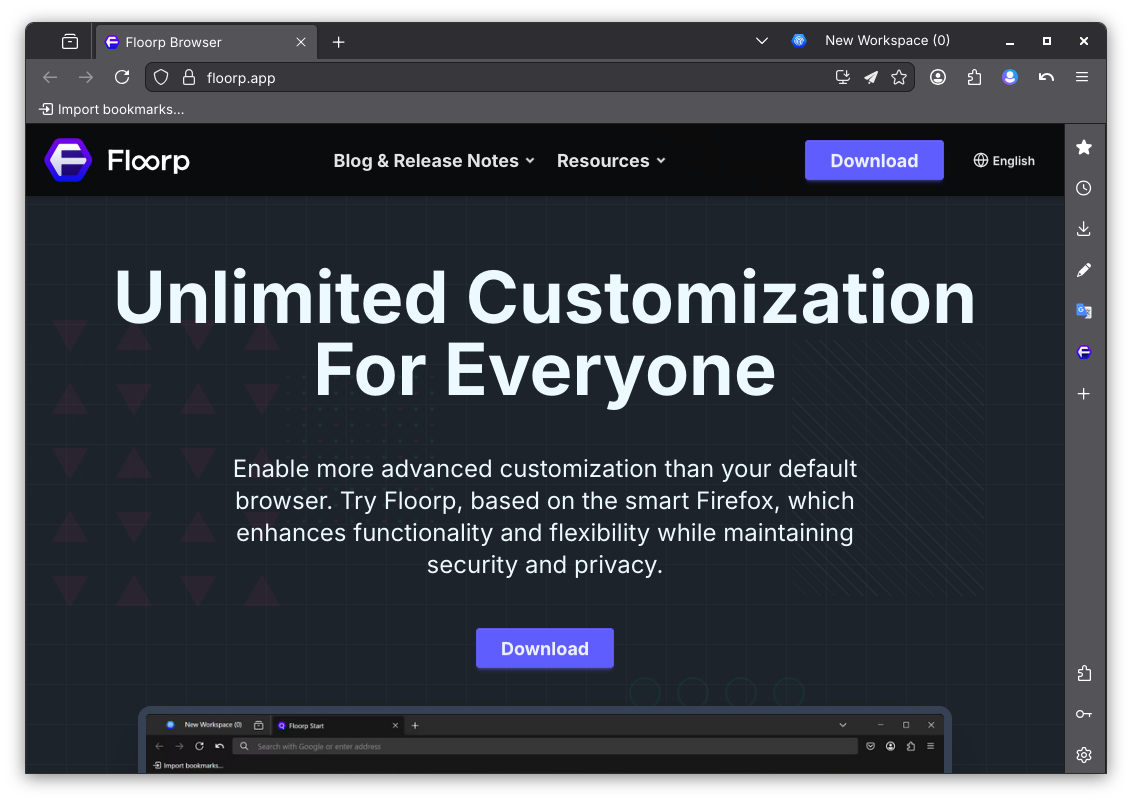
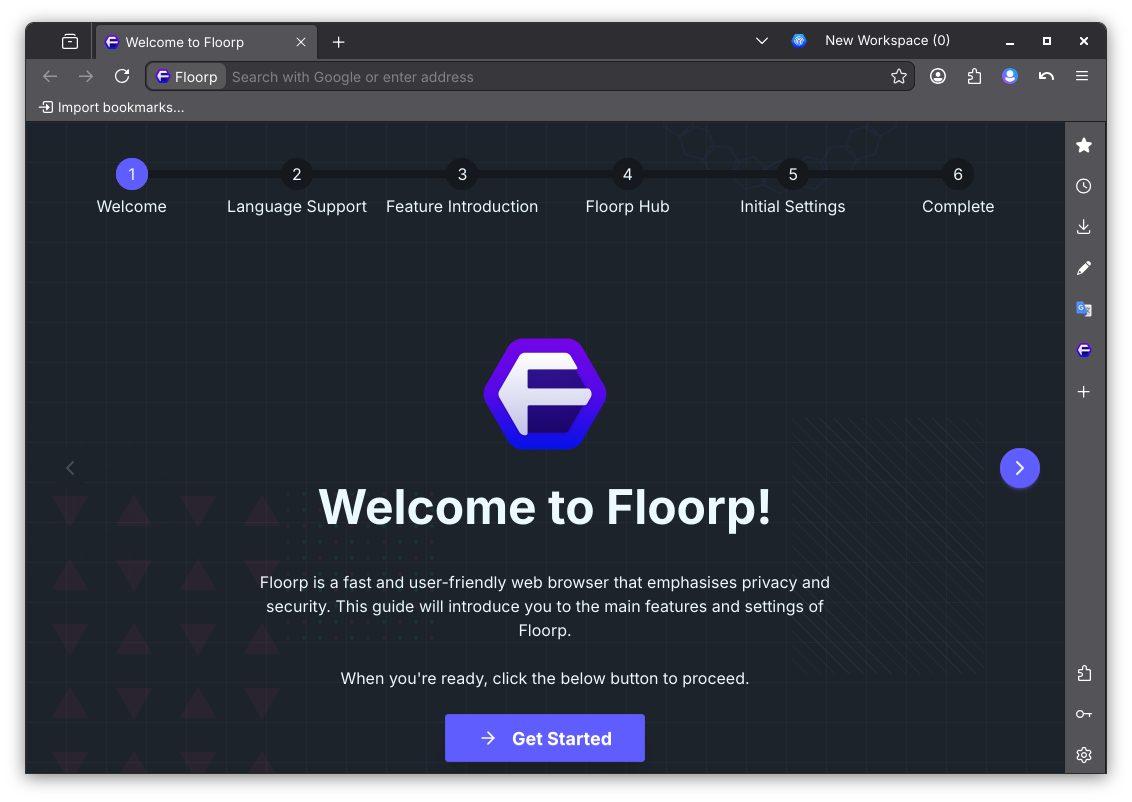
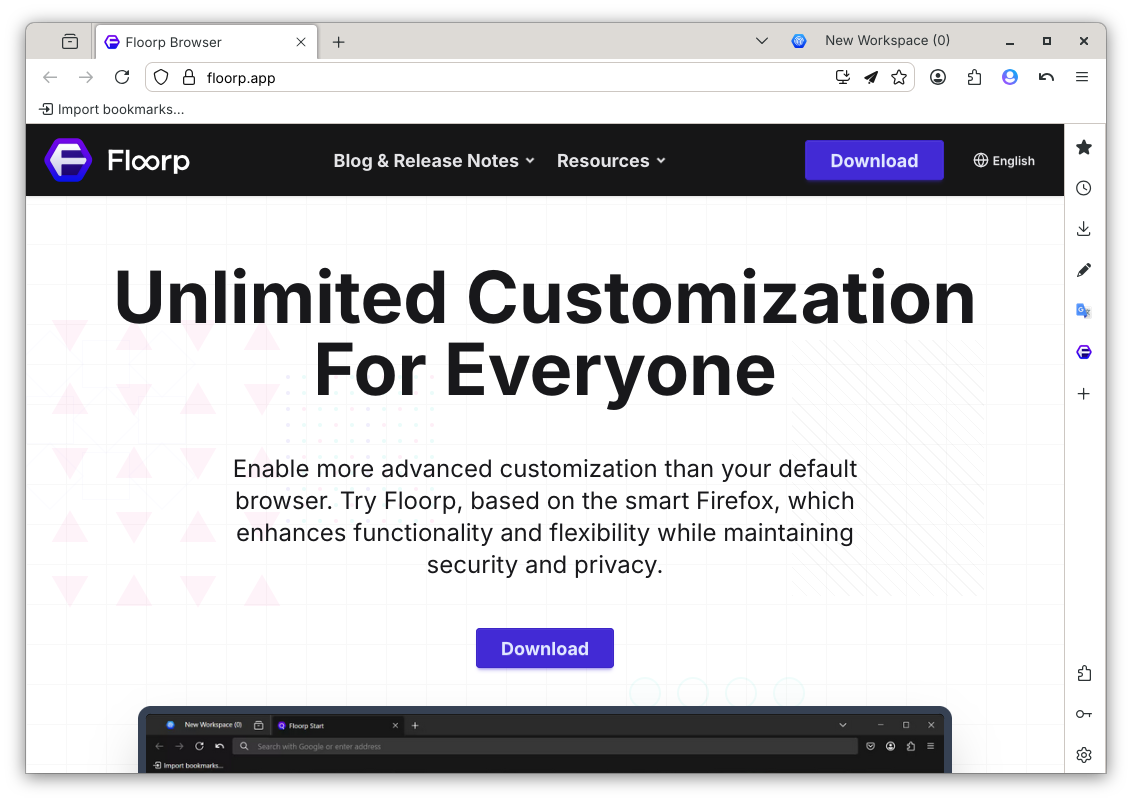
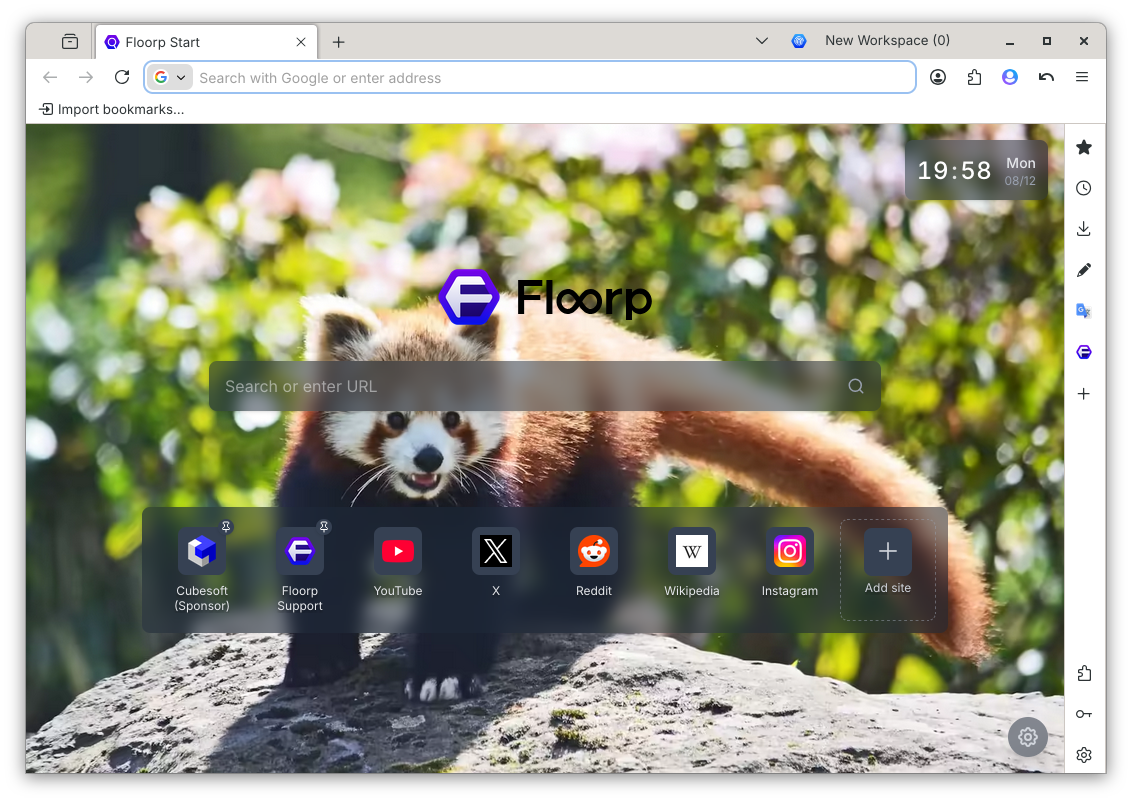
Discover Floorp, the highly customizable Firefox-based browser for Linux. Read our review of its workspaces, web panels, and advanced UI tools.
When you first launch the Floorp customizable browser, the immediate sensation is one of complete liberation from traditional, rigid browser layouts. Developed by Ablaze for the Linux platform, this open-source application takes the robust, privacy-first foundation of Firefox and layers on an unprecedented level of user-centric flexibility. Instead of forcing you to adapt to a pre-configured workspace, it invites you to build a digital environment that mirrors your personal workflow.
Unmatched Interface Personalization
The standout characteristic of the Floorp customizable browser is its deep UI adaptability. While most modern browsers have systematically stripped away user controls under the guise of minimalism, this browser reverses the trend. It stands as a pioneer among Firefox derivatives by offering native, deep-level user interface adjustments without requiring complex coding or fragile third-party add-ons. You can easily reposition toolbars, modify tab behaviors, and design a workspace that feels entirely your own.
Advanced Browsing Tools for Power Users
Beyond simple aesthetic changes, this browser introduces several productivity mechanics designed to streamline complex research and communication workflows:
- Smart Workspaces: Seamlessly organize your projects by grouping tabs and isolating session containers, allowing you to manage multiple logins simultaneously without account conflicts.
- Integrated Web Panels: Keep your essential chat clients, social feeds, or reference sites pinned to the side of your screen for quick, unobtrusive access.
- Flexible Control Schemes: Navigate the web faster by utilizing fully customizable keyboard shortcuts and precise mouse gestures tailored to your physical habits.
Is the Floorp Customizable Browser Right for You?
If you are a developer, researcher, or power user who feels restricted by mainstream browsers, this software offers the perfect balance of security and control. Because it is actively developed with a strong focus on community feedback and experimental browser technologies, users benefit from a rapidly evolving tool that respects digital rights and contributes to a sustainable, open web ecosystem.
To experience this level of personalization firsthand, visit the official Flathub store page to explore the application and install it on your Linux system.