
Power Apps
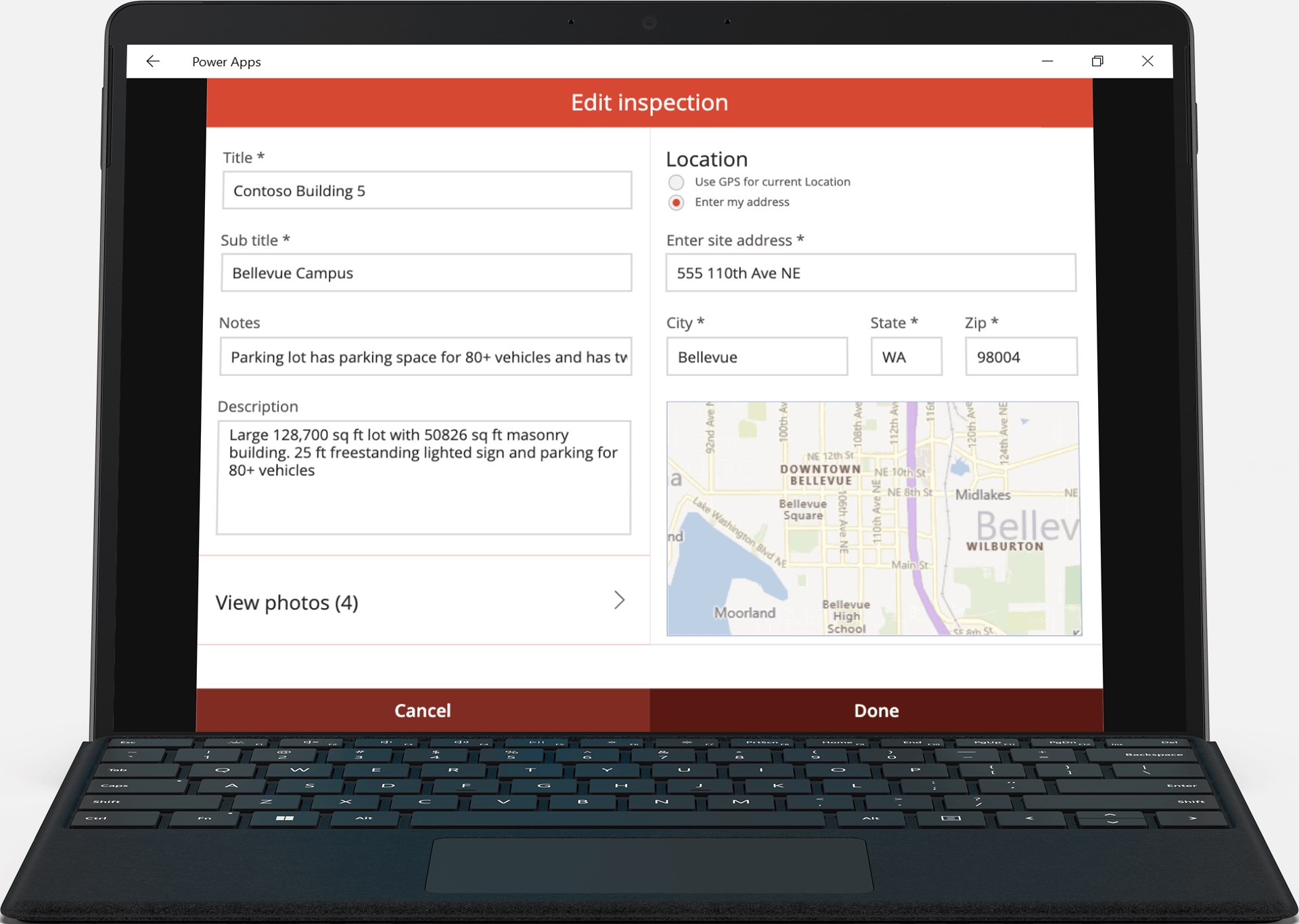
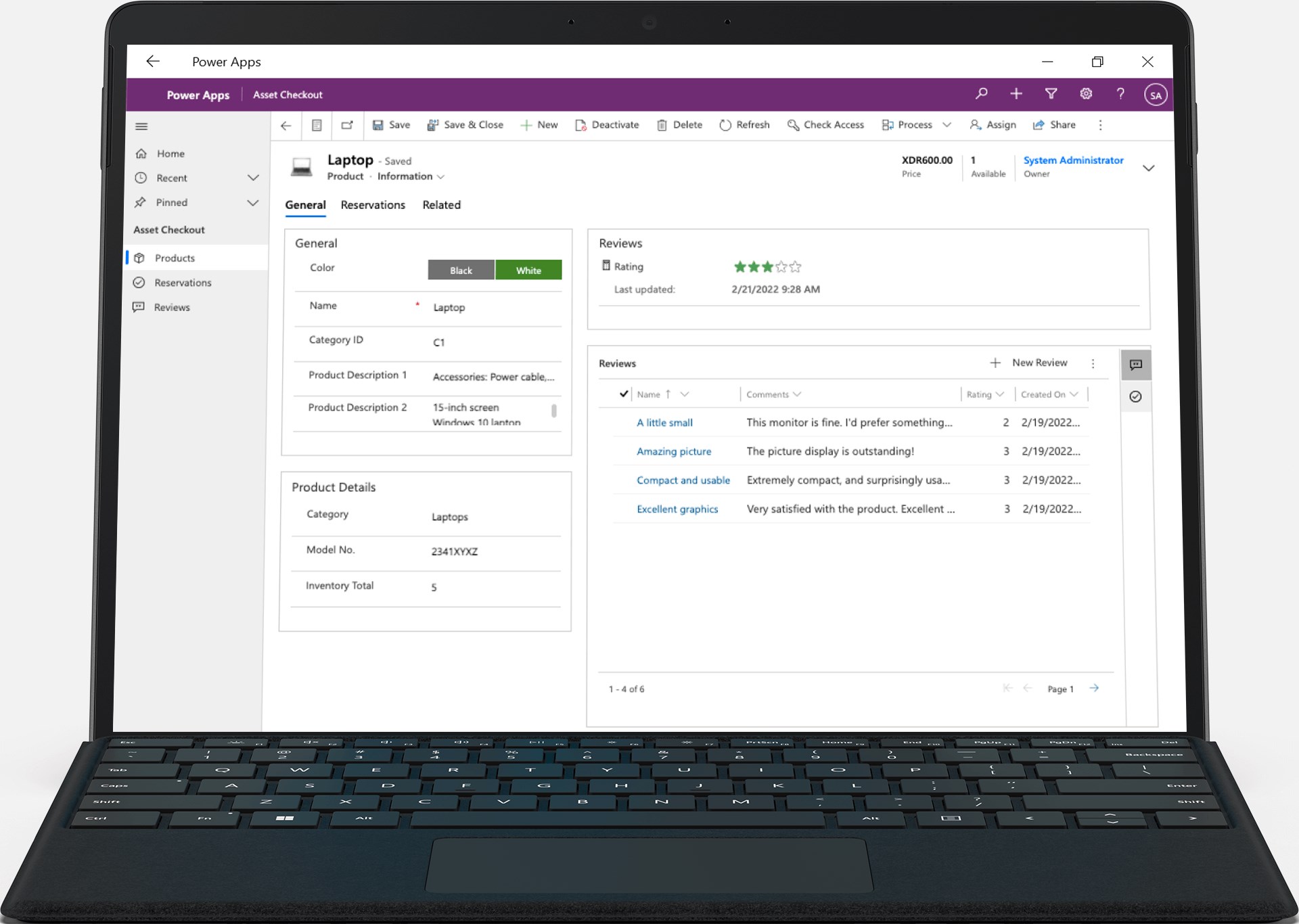
Discover how the Power Apps enterprise application simplifies business workflows and enables custom low-code utility development for organizations.
Streamlining Workplace Workflows with the Power Apps Enterprise Application
In modern corporate and educational environments, operational bottlenecks often slow down productivity. Teams frequently struggle with disjointed tracking methods, manual paperwork, and disconnected systems. The Power Apps enterprise application by Microsoft Corp. addresses this exact challenge by serving as a unified portal to access custom-built internal tools designed specifically for your organization's unique needs.
Instead of navigating a dozen different platforms, users can log into this single hub on their Windows device to access tailored software solutions. Whether your organization needs to manage internal logistics or simplify daily administrative tasks, this platform bridges the gap between complex databases and everyday users.
Versatile Solutions for Everyday Business Challenges
The true strength of the Power Apps enterprise application lies in its adaptability. Depending on what your organization’s administrators and developers have configured, the hub can host a wide variety of functional utilities:
- Facility and Campus Mapping: Navigate large corporate campuses or school grounds easily using interactive maps complete with landmark icons and facility details.
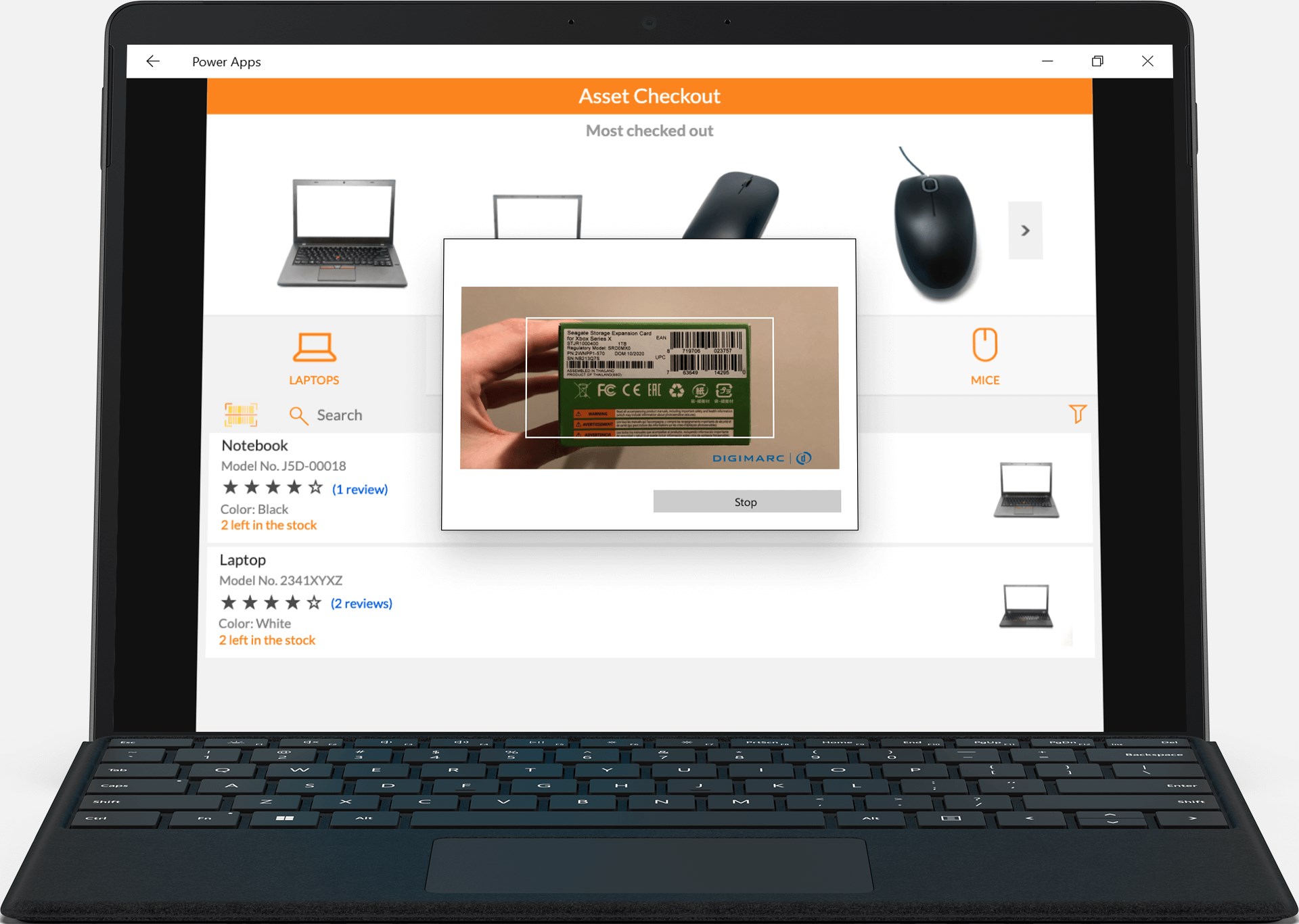
- Event Registration and Check-in: Streamline attendance tracking at corporate events by scanning barcodes or QR codes as guests arrive.
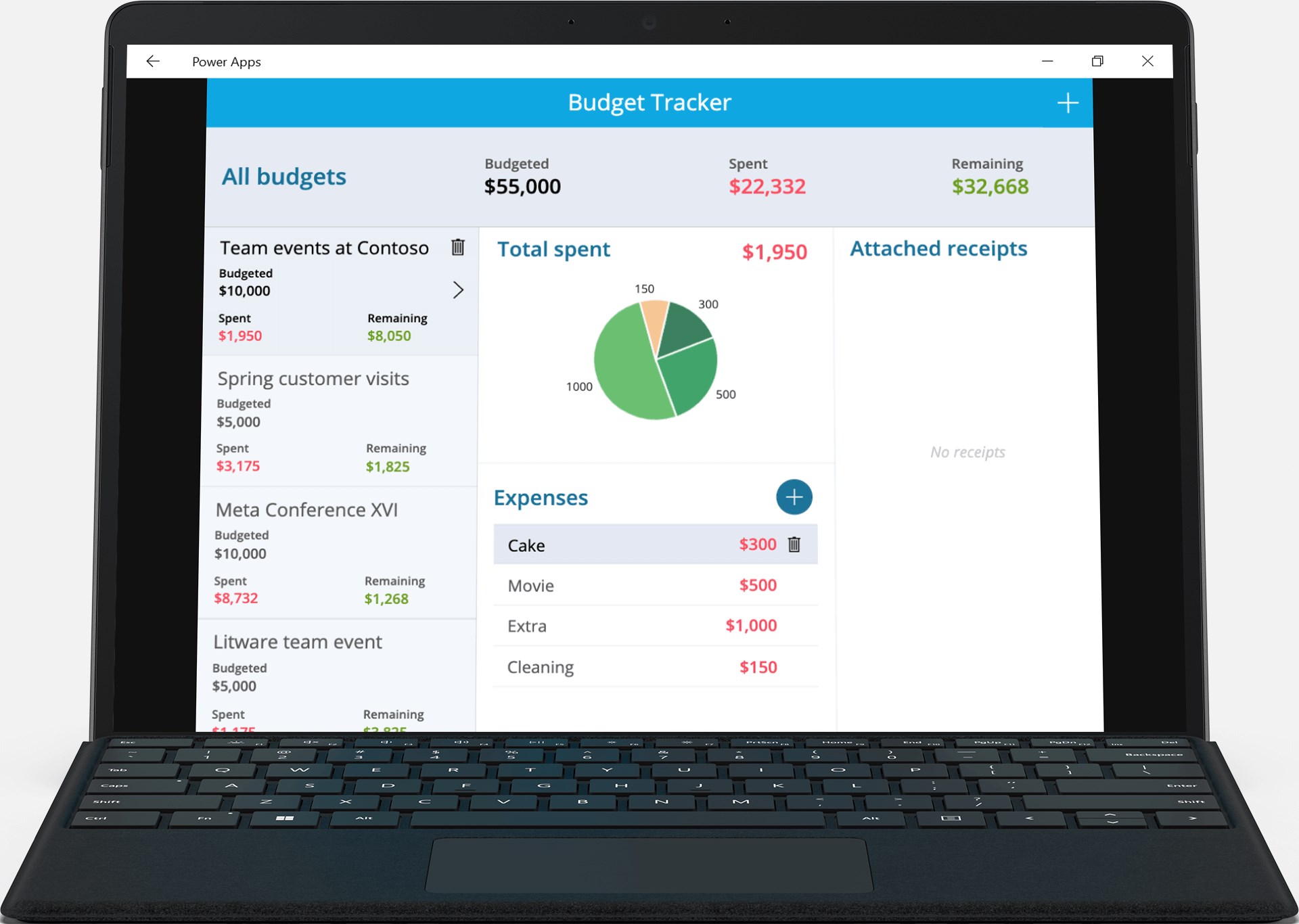
- Expense and Receipt Management: Allow employees to submit digital expense reports instantly and attach photos of physical receipts directly from the interface.
- Patient and Client Check-in: Optimize front-desk operations in health clinics, allowing visitors to check in with just a few intuitive taps.
- Interactive Performance Dashboards: Visualize complex organizational data and extract actionable insights through dynamic, real-time dashboards.
- Sales and Lead Tracking: Manage sales pipelines, review collaborative comments, and approve key financial decisions to protect your P&L.
- Shift and Timesheet Analysis: Collect, consolidate, and review employee shift hours to simplify payroll and resource planning.
Who Is This Platform For?
This utility is built primarily for employees, students, and administrators operating within an ecosystem powered by Microsoft Corp. technologies. It eliminates the need for traditional software distribution methods by gathering all of your organization’s low-code creations under one secure, easily accessible roof. If your team utilizes custom digital tools to complete daily tasks, this application acts as your gateway.
Accessing Your Custom Workspace
To begin utilizing these tailored solutions, you can explore the official listing for the tool. To see how these low-code solutions can transform your organizational productivity, visit the official Microsoft Store page to get started with the application on your Windows device.