

Avidemux Video Editor
Read our comprehensive review of Avidemux, the premier open-source video editing software designed for seamless cutting, filtering, and encoding tasks.
Streamline Your Cutting and Encoding Tasks with Avidemux
If you have ever needed to quickly slice a raw video file, apply a subtle color correction filter, or re-encode a clip into a different format without launching a bloated, resource-heavy suite, you know how frustrating modern video production can be. This is where the Avidemux video editing software excels. Rather than overwhelming users with complex multi-track timelines, this lightweight utility focuses on delivering fast, precise, and reliable video manipulation tools directly to your desktop.
Designed as a cross-platform solution with strong support for the Linux environment, this tool from the Avidemux Team simplifies essential post-production workflows. Whether you are archiving television broadcasts, prepping clips for social media, or converting family videos, it provides a stable and highly efficient workspace.
Core Capabilities of Avidemux Video Editing Software
The architecture of the Avidemux video editing software is built around three fundamental operations: cutting, filtering, and encoding. Here is a closer look at how these features function in daily use:
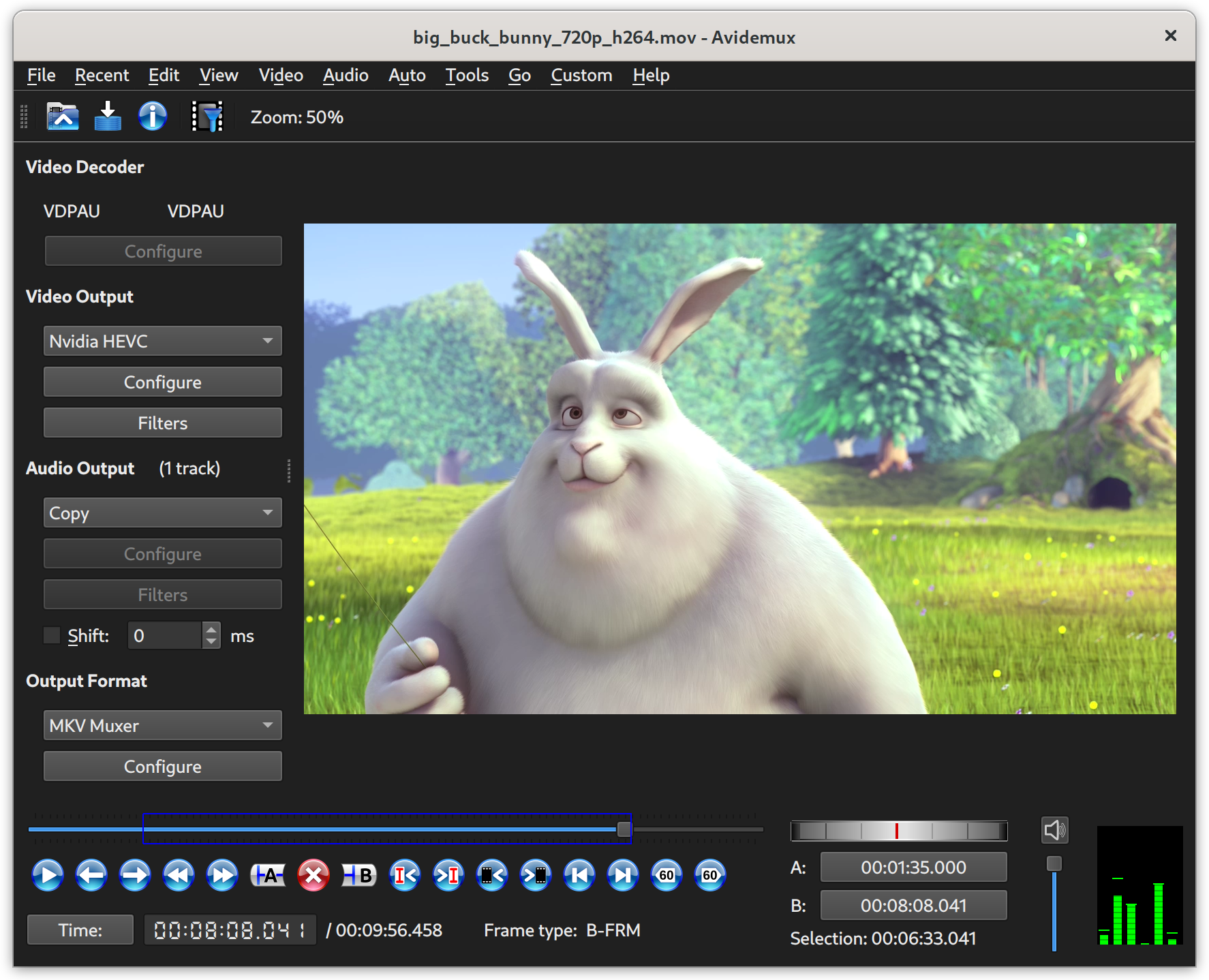
- Lossless Video Cutting: You can perform frame-accurate cuts and deletes on your video clips. By utilizing the copy mode, you can slice files without re-encoding, preserving the original quality entirely and saving immense amounts of processing time.
- Powerful Filtering Pipeline: The software includes a robust library of visual and audio filters. Users can easily resize, deinterlace, crop, color-correct, and adjust audio sync with just a few clicks.
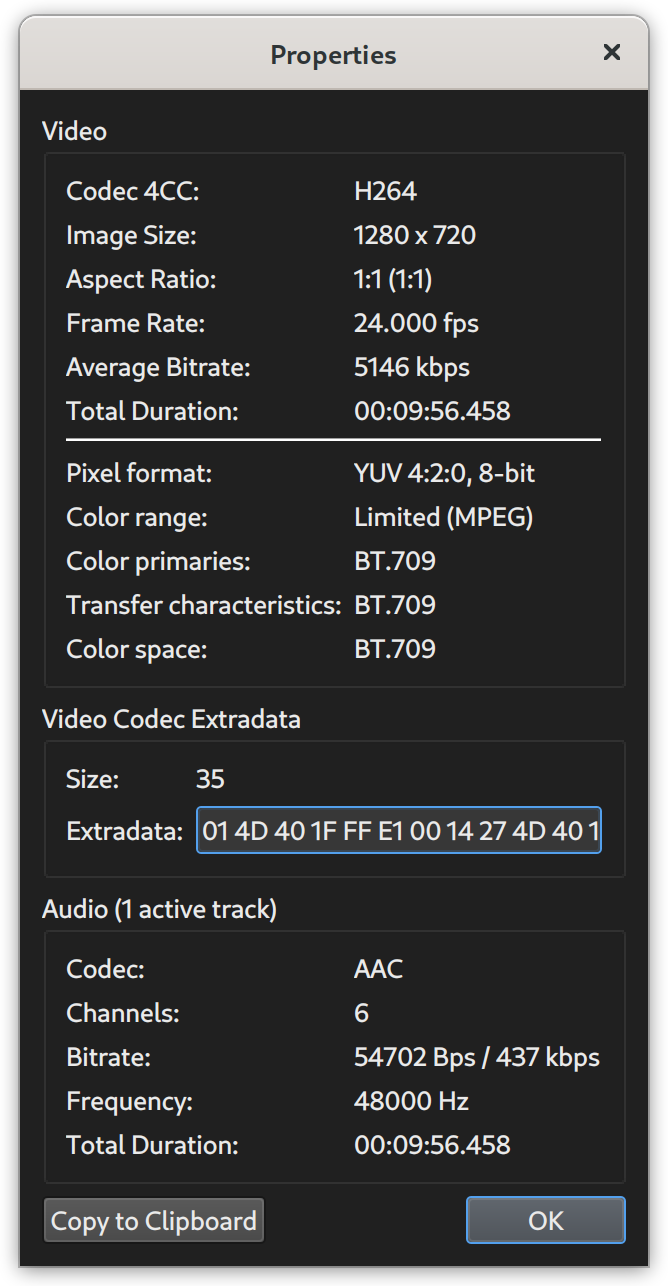
- Comprehensive Codec Support: It supports a vast array of file types and codecs. The built-in encoder allows you to convert your projects into various formats, optimizing files for different playback devices or streaming platforms.
An Essential Tool for Linux Enthusiasts and Creators
As a prominent title in the entertainment and utility space, this software is particularly beloved by Linux users who value open-source integrity and lightweight system footprints. The interface is clean and functional, avoiding unnecessary visual clutter in favor of direct access to configuration settings, job queues, and scripting capabilities. If you need to automate repetitive editing tasks, the built-in scripting engine lets you write custom scripts to process large batches of videos automatically.
Is It Right for You?
If your primary goal is to perform quick edits, clean up audio tracks, or transcode files without a steep learning curve, this application is an invaluable addition to your digital toolkit. While it is not designed to replace high-end, Hollywood-style compositing suites, its speed and reliability for daily video processing tasks are unmatched.
To experience this powerful utility firsthand, head over to the official Flathub store page to explore its features and integrate it into your creative workflow today.