

Jellyfin Server
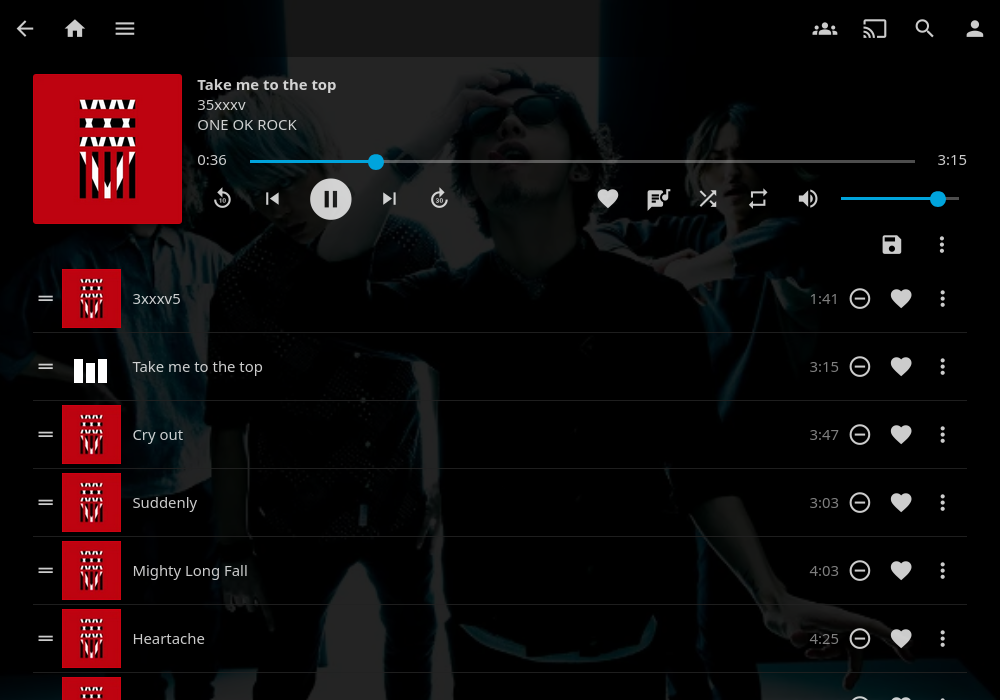
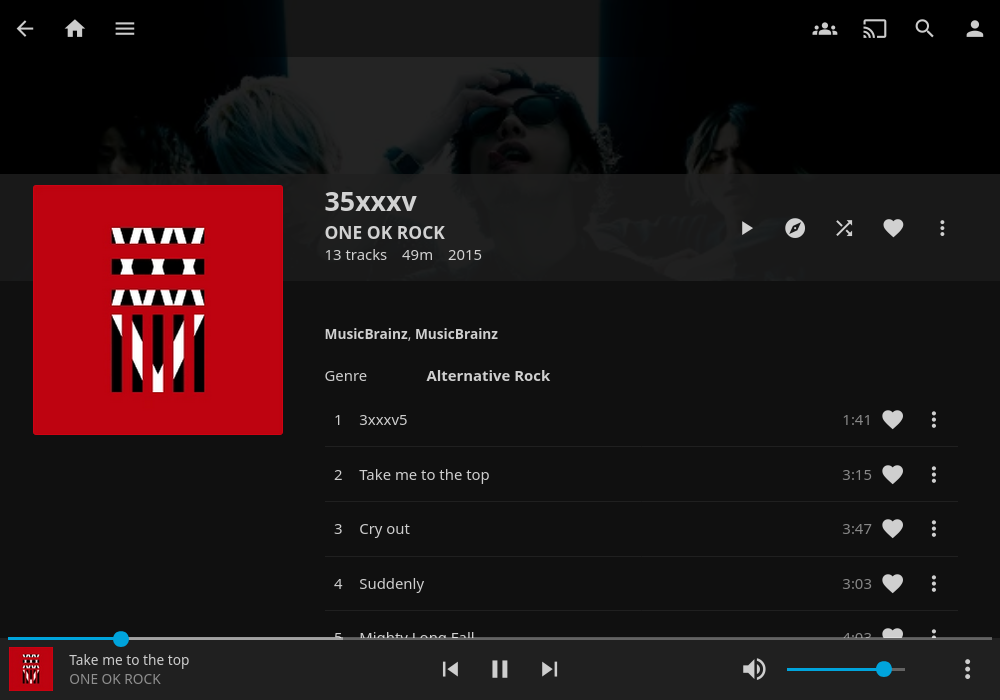

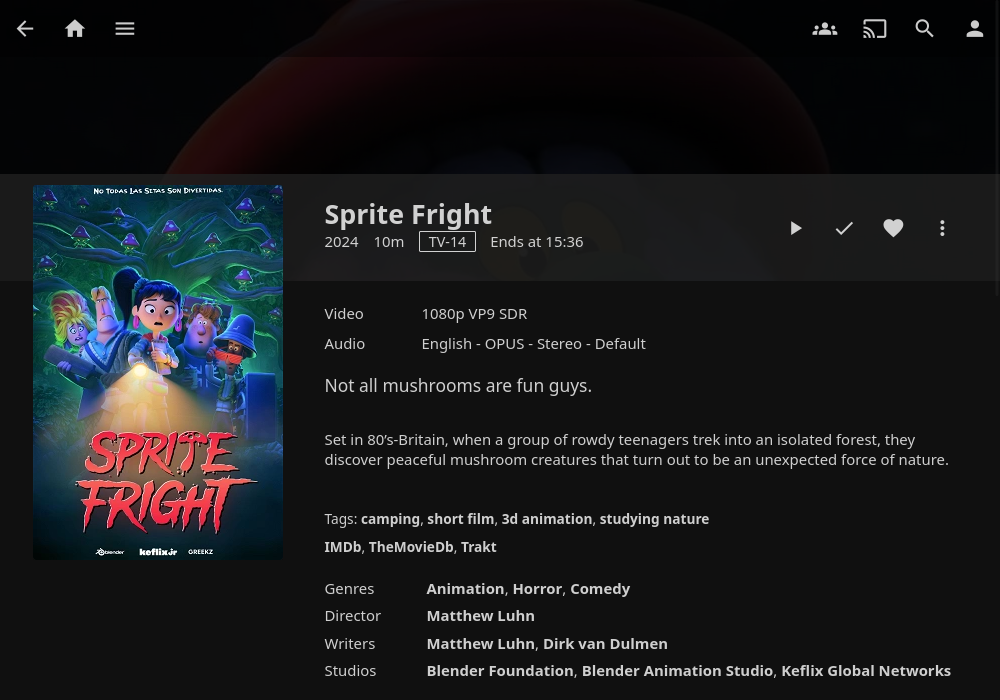
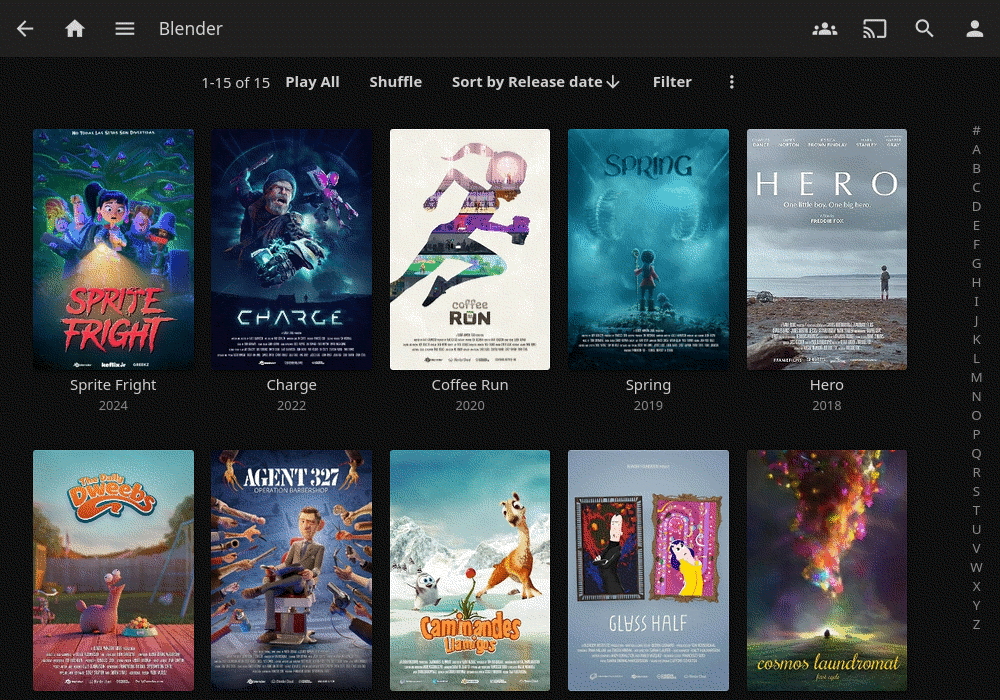
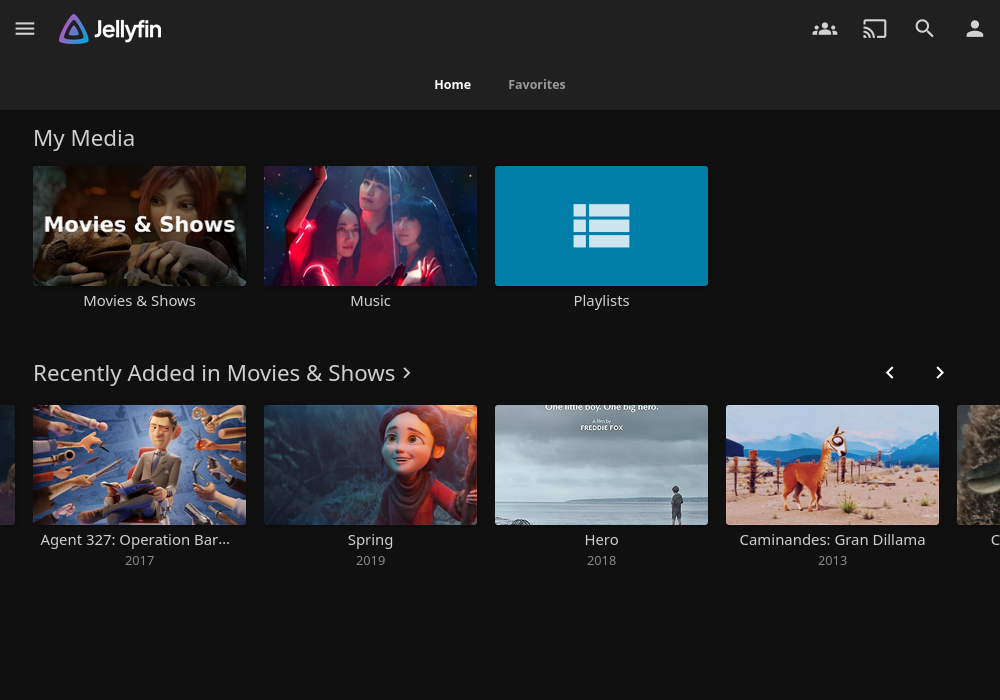
Read our comprehensive review of Jellyfin Server, the open-source media streaming system designed to give you complete control over your personal media.
While mainstream streaming platforms continuously raise prices and restrict sharing, the Jellyfin Server media streaming system stands out as a completely free, volunteer-built solution that puts absolute control back into the hands of users. Unlike proprietary alternatives, there are no premium paywalls or hidden subscriptions attached. It is designed purely to help you organize and broadcast your personal media collection on your own terms.
What is the Jellyfin Server Media Streaming System?
Jellyfin Server is an open-source media engine that lets you collect, manage, and stream your movies, TV shows, music, and photos. Operating on Linux as a Flatpak package, this distribution packages the backend server and an intuitive web-based graphical user interface into a single, cohesive bundle. It serves as your private, self-hosted streaming hub, accessible across your local network and beyond.
Key Features of the Flatpak Build
- Unified Packaging: The installation bundles both the core server architecture and a responsive web GUI, removing the need for complex command-line configurations to get started.
- Automated Initialization: Once you launch the application, the system automatically initializes and opens the web-based management panel in your default internet browser within approximately 10 seconds.
- Zero Tracking & Paid Tiers: Because it is developed by a non-profit community, there are no premium feature lockouts, tracking telemetry, or licensing fees.
Who Is This Media Solution For?
This platform is highly recommended for privacy-conscious users, media collectors, and Linux enthusiasts who want to break free from corporate ecosystems. If you have a dedicated home server, a spare Linux machine, or a network-attached storage setup, the Jellyfin Server media streaming system provides the perfect framework to host your library securely without external interference.
Setting Up Your Private Library
Getting your server running is remarkably straightforward. After launching the application, the web interface guides you through the initial library setup, where you can point the server to your media directories. For advanced configurations, security protocols, or troubleshooting, users can easily access the integrated Help and FAQ resources provided directly within the software ecosystem.
The Verdict
Jellyfin Server offers a refreshing, independent alternative to commercial media servers. It delivers robust performance, a clean interface, and genuine digital ownership. To start building your self-hosted streaming library, head over to the official Flathub store page to check out the application details and installation instructions.