

Openly a Link - Browser Picker
Read our comprehensive review of Openly a Link - Browser Picker for Mac. Learn how this utility lets you open any web link in your preferred browser instantly.
The Ultimate Solution for Multi-Browser Workflows
For many Mac users, a single web browser simply isn't enough. Web developers, digital marketers, and privacy-conscious individuals often find themselves juggling Safari, Chrome, Firefox, and Brave simultaneously. Normally, clicking any external link forces your system to launch your default browser. This is where Openly a Link - Browser Picker changes the game. Developed by FOKUSEK ENTERPRISE SRL, this clever utility acts as an intelligent intermediary, letting you decide exactly which browser should handle each link you click.
Why Use Openly a Link - Browser Picker?
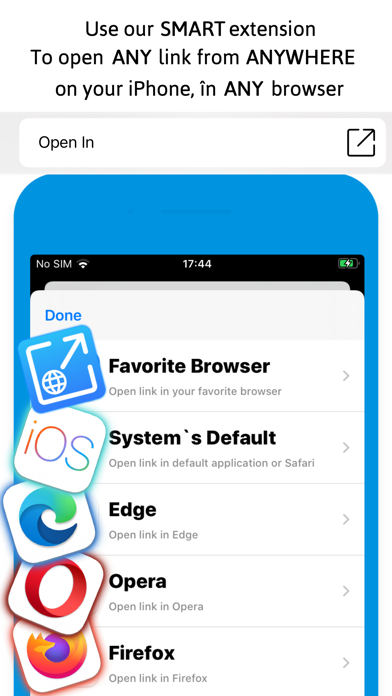
Instead of manually copying and pasting URLs between different windows, this application streamlines your digital workspace. When you click a hyperlink in an email client, a chat app, or a document, the Openly a Link - Browser Picker smart extension prompts you to select your preferred destination browser from your installed software suite. It is built to be lightweight, fast, and incredibly intuitive.
Key Features & Benefits
- Seamless System Integration: Works quietly in the background on macOS, ready to intercept web links whenever you click them.
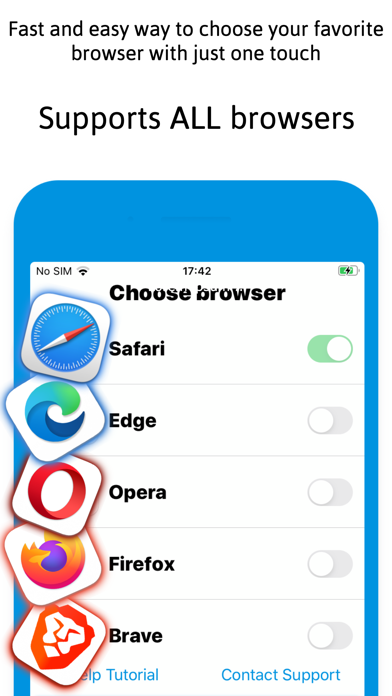
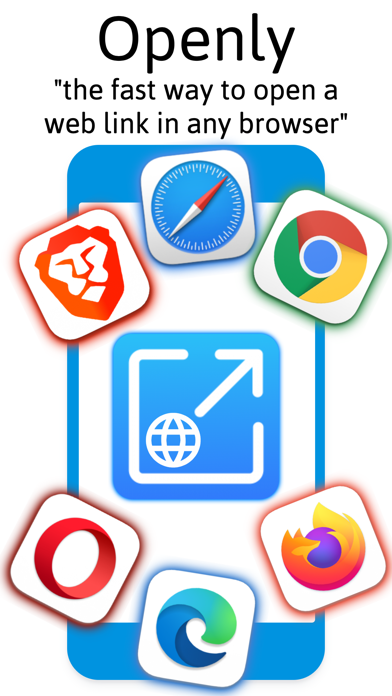
- Multi-Browser Support: Fully compatible with all major browsers, including Google Chrome, Apple Safari, Mozilla Firefox, Brave, Opera, and Microsoft Edge.
- User-Friendly Interface: Designed by skilled technicians with simplicity in mind, ensuring even non-technical users can navigate the settings effortlessly.
- No More Copy-Paste: Eliminates the tedious steps of copying links, opening a different browser, and pasting the URL into the address bar.
Who Is This Mac Utility For?
If you routinely separate your personal browsing from your professional tasks, this tool is invaluable. For example, you can direct work-related links straight to Chrome while keeping personal links in Safari. Developers can instantly test how a specific URL renders across Brave, Edge, or Opera without navigating through multiple manual steps. It is a highly practical solution for anyone looking to optimize their daily productivity on a Mac computer.
Our Verdict
Openly a Link - Browser Picker is a highly targeted, free utility that solves a common pain point for power users. It does not try to reinvent the wheel; instead, it provides a direct, elegant solution to multi-browser management on macOS. If you want to streamline how you interact with web links daily, this utility is well worth integrating into your workflow. To try it out for yourself, visit the official Mac App Store to download the application on your device.