

Manager for Files
Read our comprehensive review of Manager for Files by Virtual Pulse. Discover how this Windows tool simplifies file organization and improves digital security.
The Challenge of Digital Clutter on Windows
Imagine sitting down to work, only to spend twenty minutes hunting for a critical project document buried deep within a maze of poorly labeled folders. As our digital workspaces expand, keeping our local storage organized becomes an increasingly frustrating chore. The Manager for Files utility app by Virtual Pulse offers a streamlined, user-friendly alternative designed to restore order to your Windows device.
What is Manager for Files?
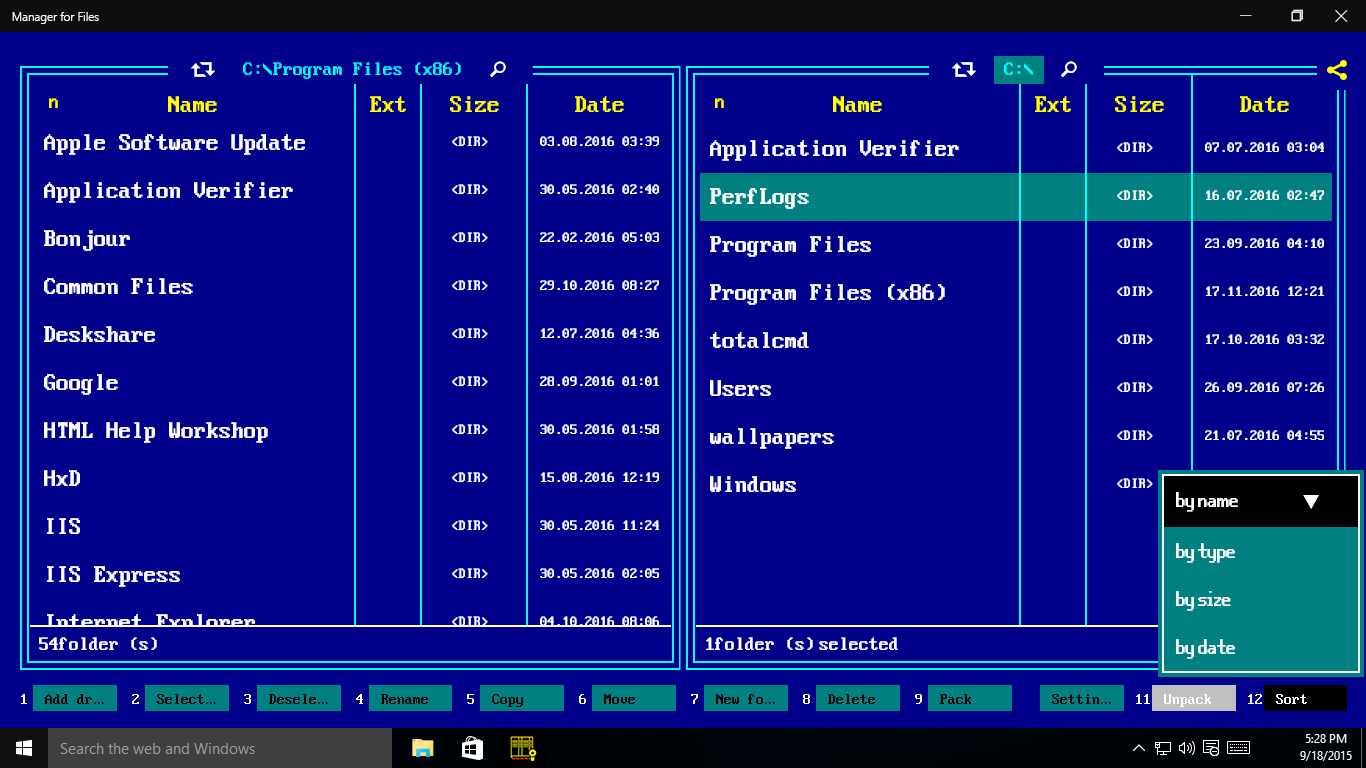
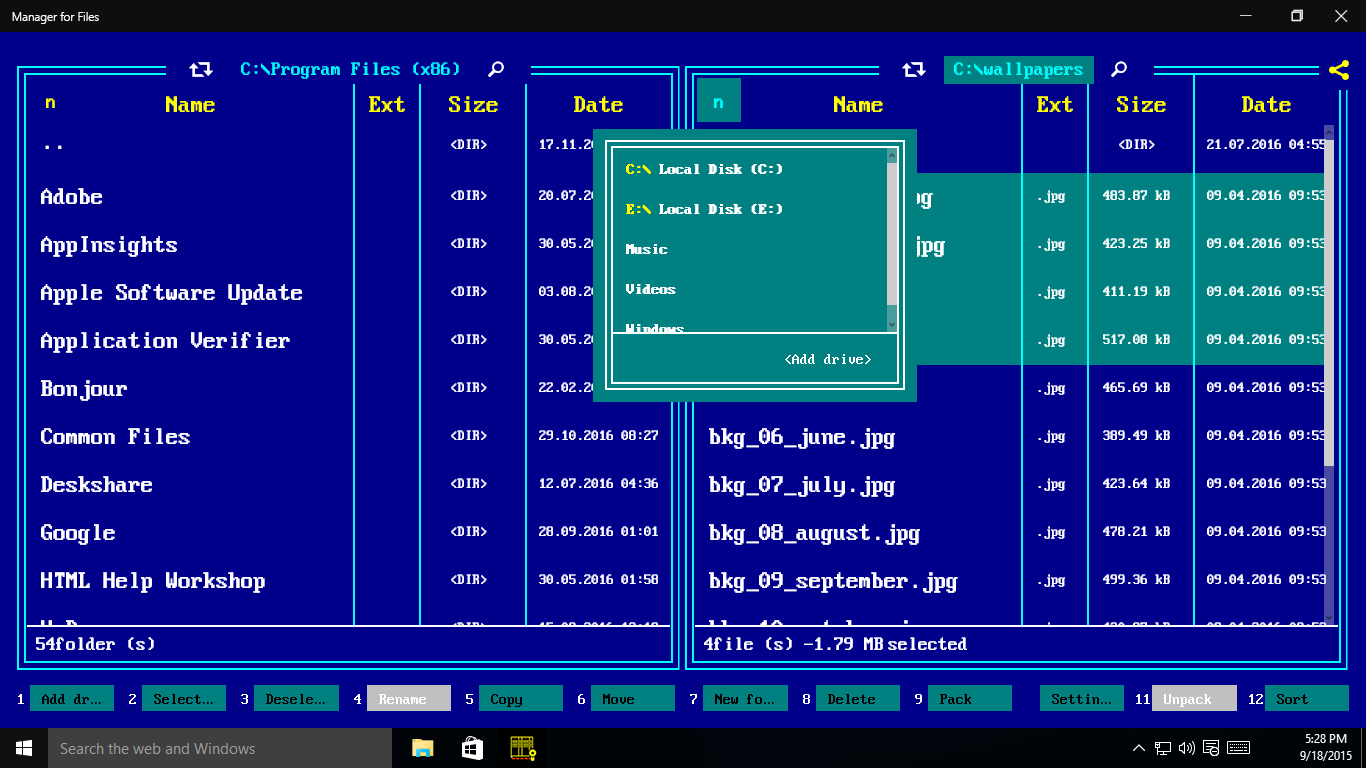
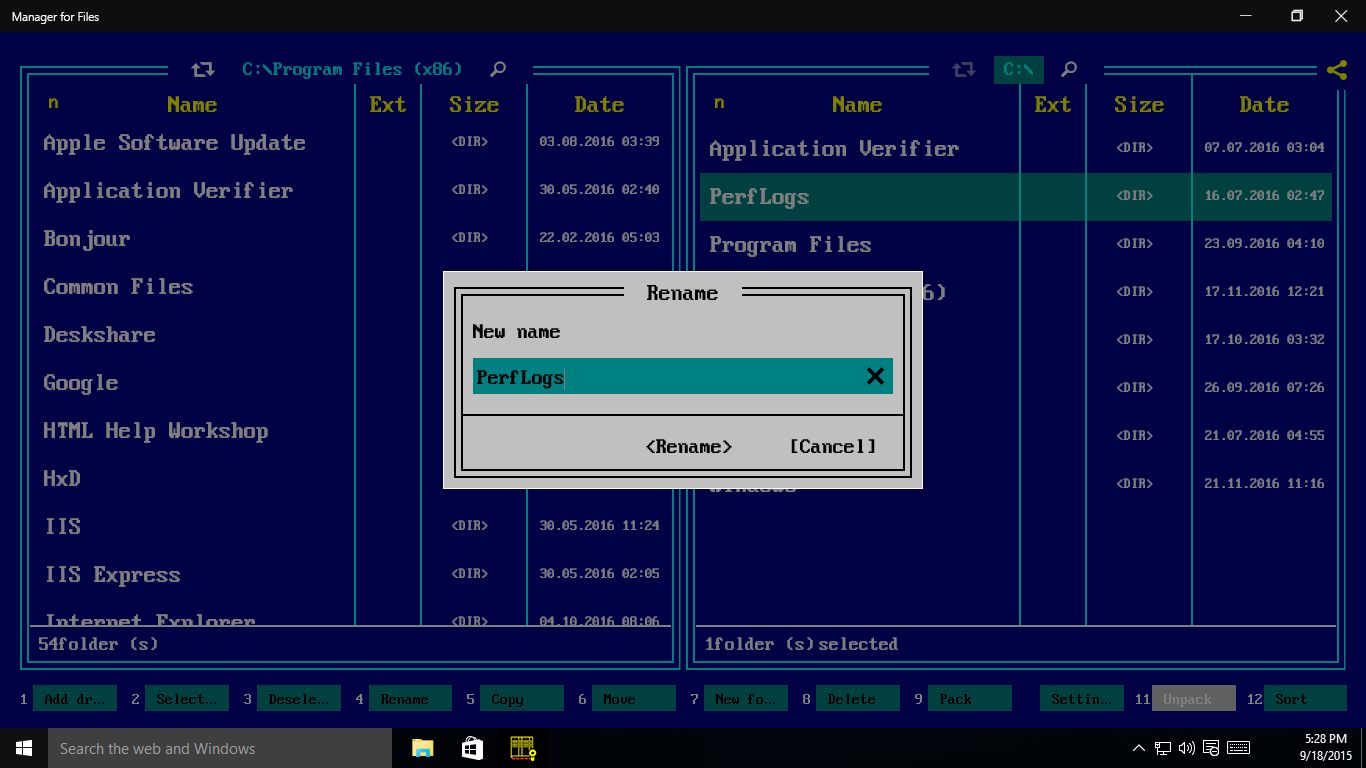
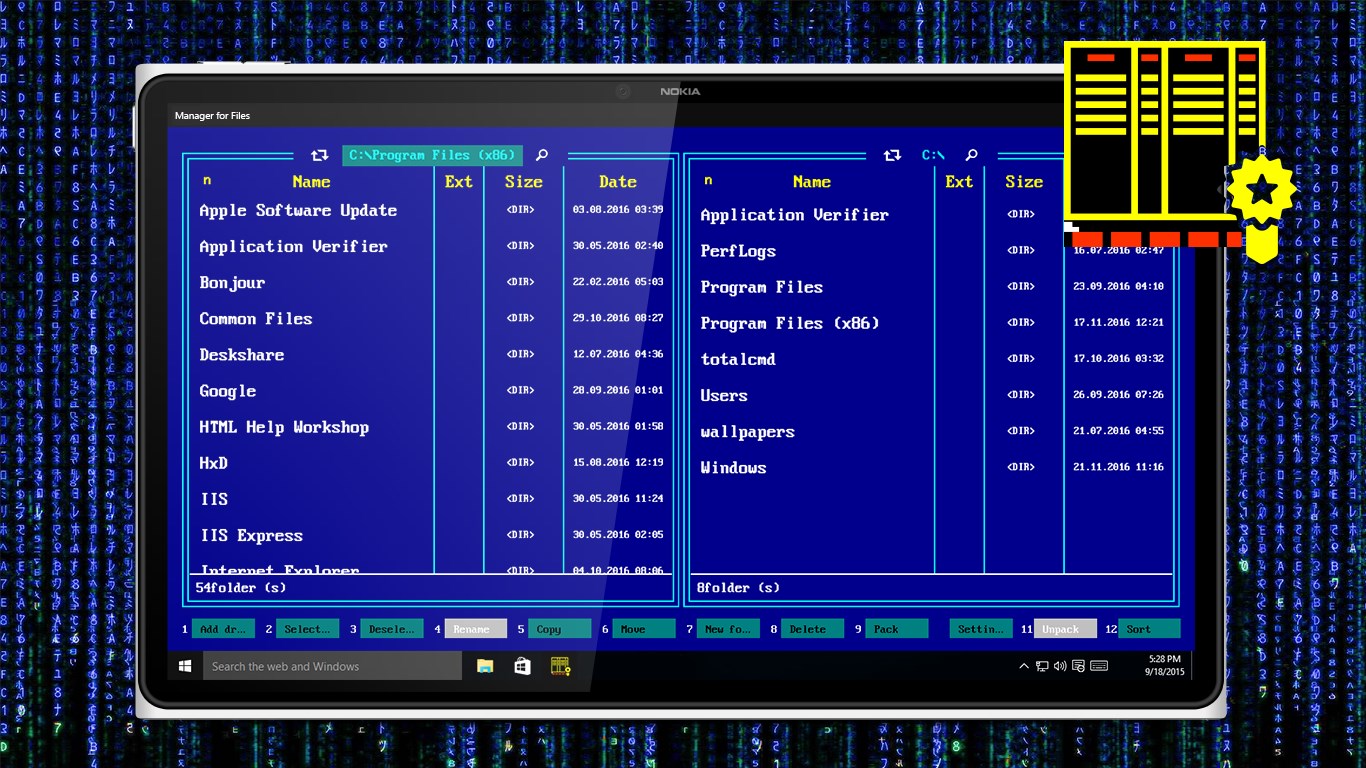
Developed as a dedicated utility for the Windows platform, Manager for Files utility app is an all-in-one file organization solution. It bridges the gap between basic built-in system tools and advanced administrative needs, providing an intuitive workspace where users can locate, modify, and secure their digital assets without navigating complex menus.
Core Features for Seamless Organization
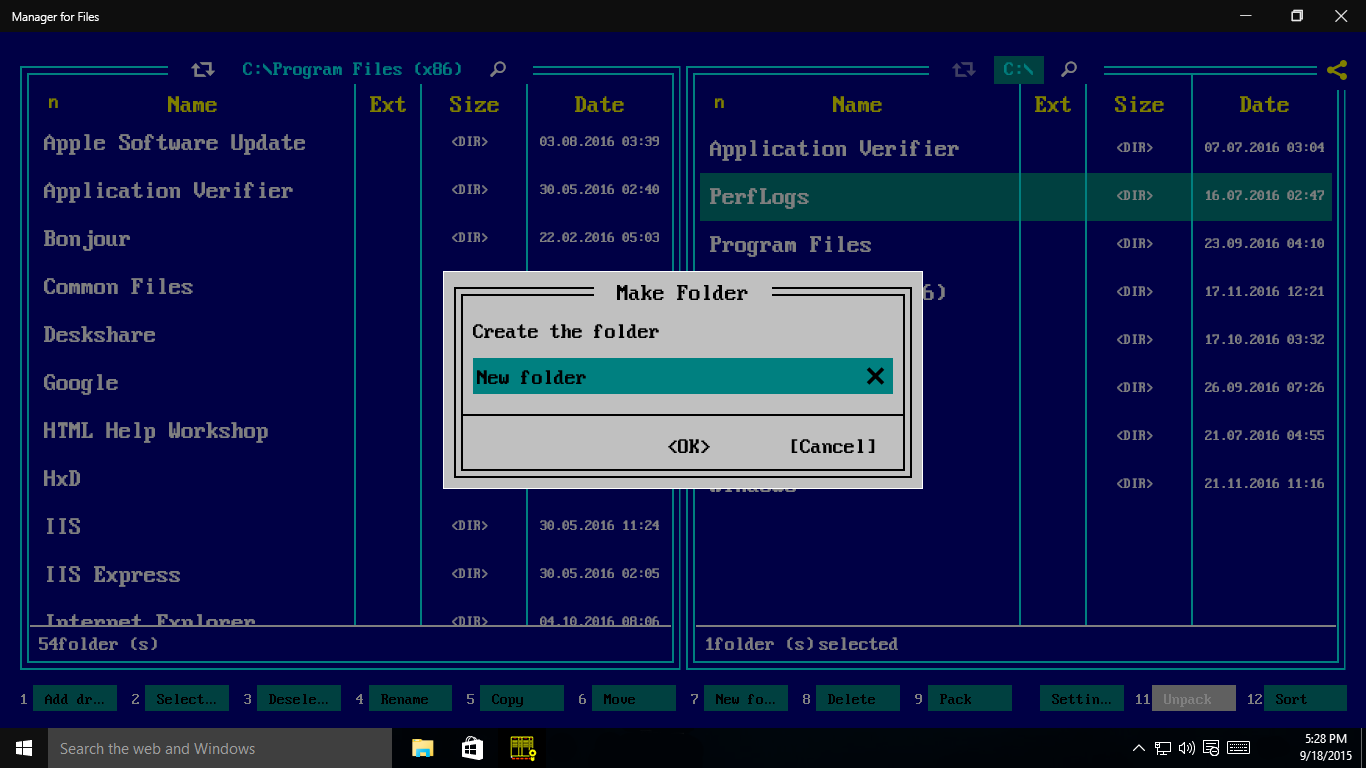
- Comprehensive File Operations: Quickly copy, move, delete, and rename items. The app simplifies bulk file management to save you valuable time.
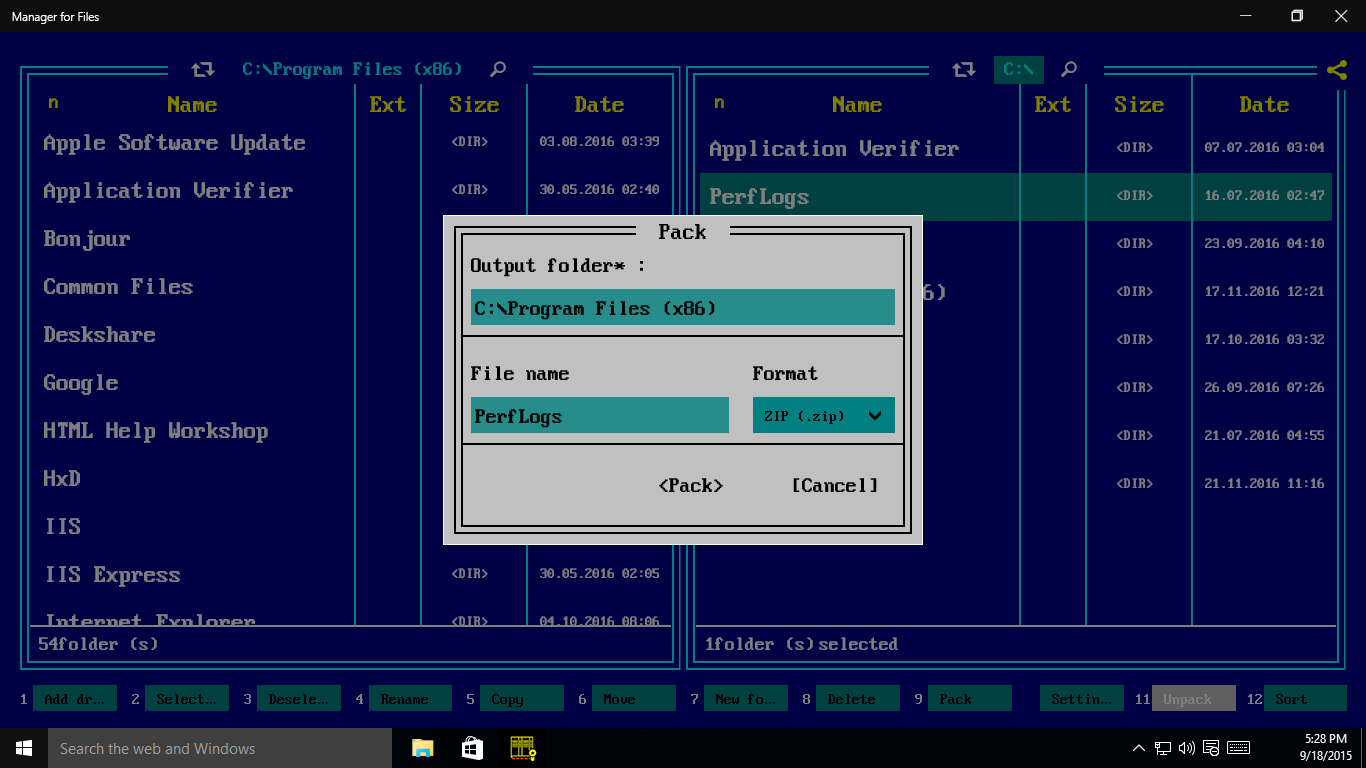
- Advanced Archive Handling: Create and extract compressed file archives directly within the interface, eliminating the need for third-party unzipping software.
- Biometric Security Integration: Take advantage of Windows Hello support to lock your file manager. This ensures your sensitive directories remain secure from unauthorized local access.
- Built-in Ink Tool: Capture screenshots on the fly and immediately annotate them with digital ink, perfect for quick markups and sharing notes.
Who is This Windows Utility For?
This software is highly recommended for professionals who handle large volumes of documents, students managing multiple course modules, and daily Windows users who want a clean, secure interface for their data. The inclusion of Windows Hello makes the Manager for Files utility app particularly appealing to privacy-conscious users who share their physical devices with family members or colleagues.
Final Verdict
If you are tired of standard directory navigation and want a more secure, modern, and feature-rich interface to handle your daily data, this application is a strong contender. Ready to upgrade your productivity? You can check out the official release and try it yourself on the Microsoft Store.