

Modern File Explorer
Read our comprehensive review of Modern File Explorer, a sleek and powerful file management utility designed specifically for Windows 10 users.
Streamlining Your Windows Workflow with Modern File Explorer
Managing your local and cloud-based files efficiently can dramatically boost your daily productivity. Modern File Explorer file management offers Windows users a highly customizable, fluid interface designed specifically to align with modern design guidelines. If you are tired of the traditional, cluttered desktop layouts, this utility provides a fresh, touch-friendly alternative that simplifies how you interact with your data.
What Can You Actually Do with Modern File Explorer?
This application is not just a visual upgrade; it is a practical tool built to handle everyday file operations across multiple storage locations. Here is a breakdown of what you can achieve with this software:
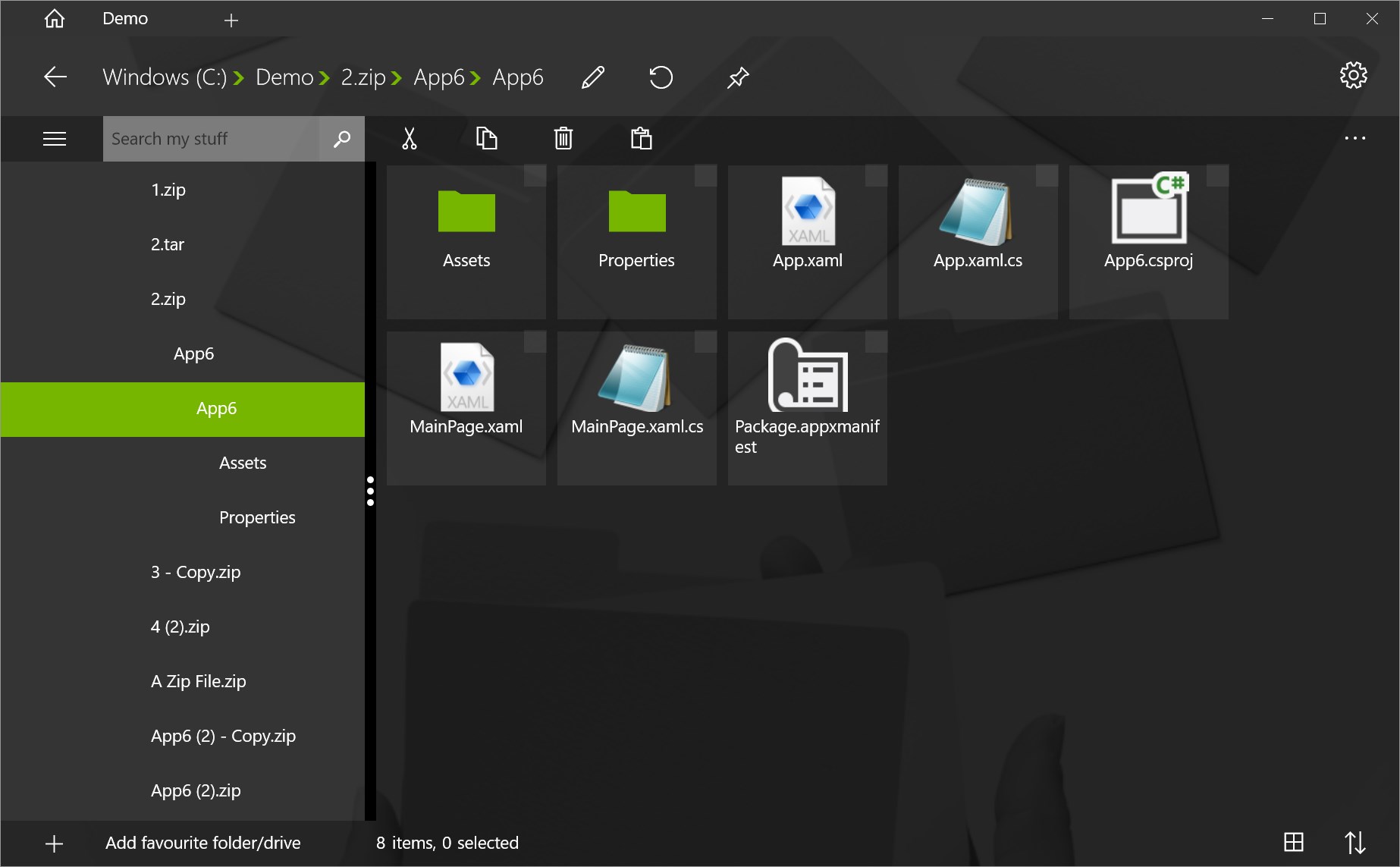
- Multi-Drive Navigation: Seamlessly copy, move, rename, and organize files and folders across your local hard drives, external USB storage, and mapped network drives (including UNC paths).
- Cloud and Archive Integration: Access and modify your files stored on cloud services like Dropbox and Box. Additionally, the app features robust support for compressed formats, allowing you to extract ZIP, 7z, TAR, RAR, and GZ archives, as well as write and modify ZIP files directly.
- Built-In Document Viewing: View PDF documents directly inside the interface without needing to launch external reader applications.
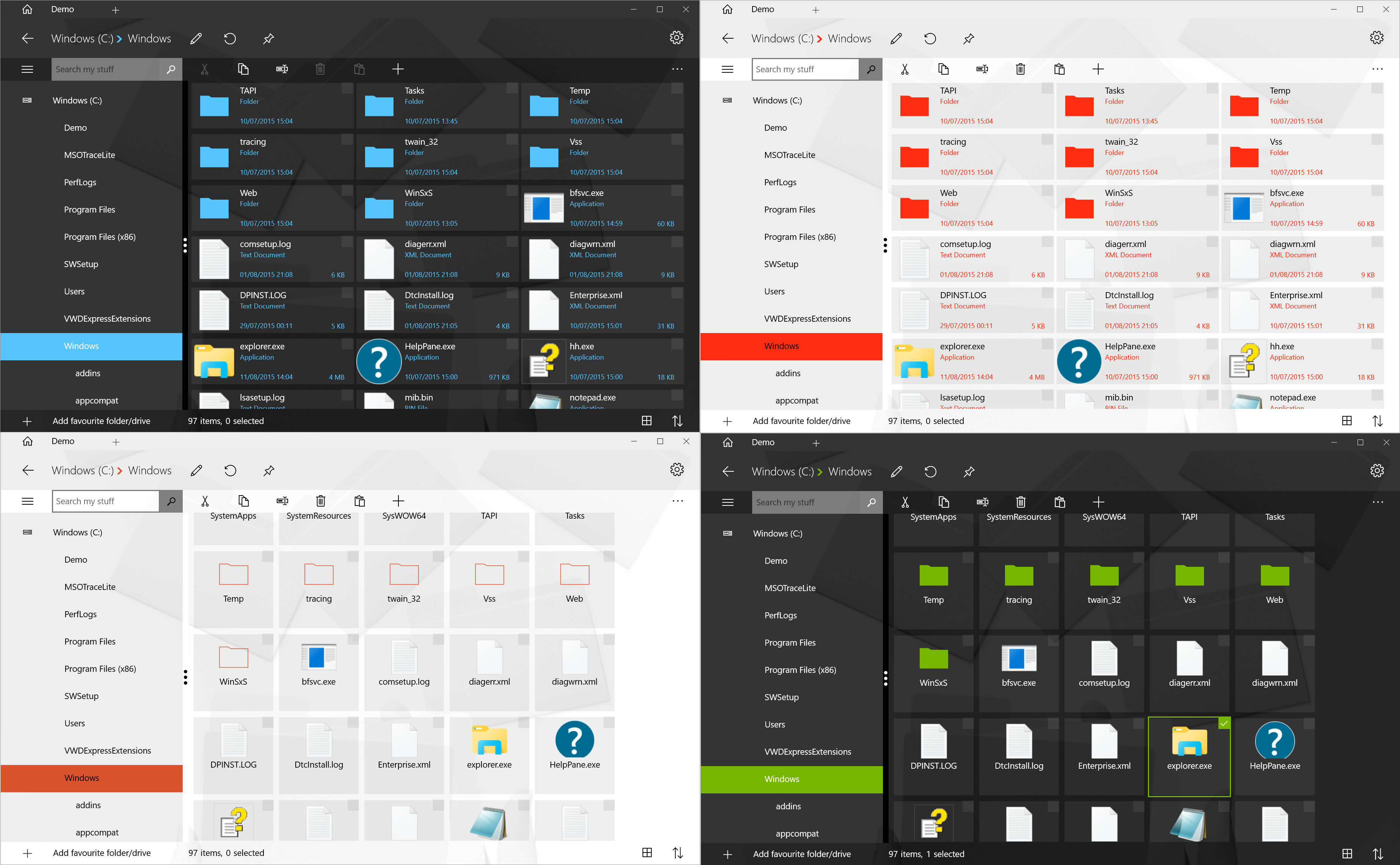
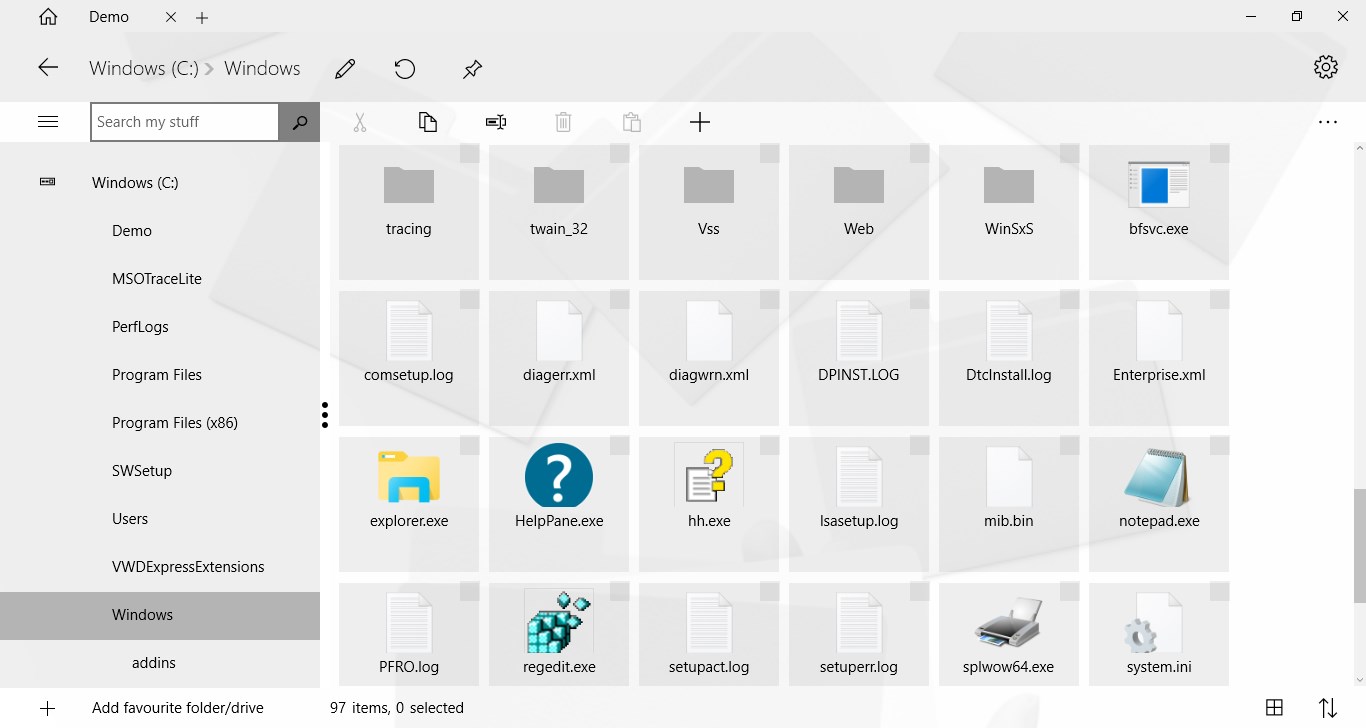
- Flexible Layouts: Switch between a traditional list view and an intuitive tree view, fully optimized for both standard mouse navigation and touch-screen devices.
- System-Wide Sharing: Leverage native Windows sharing capabilities to quickly send files directly to other applications, such as your default email client.
Tailored for Personalization and Usability
A standout aspect of this utility is its dedication to user customization. The developer, paul.tallett, has made it possible to request custom color schemes directly, ensuring that your file system interface can match your personal workspace aesthetic. The application also includes a fully functional 7-day trial period, giving you ample time to test its capabilities and integration with your network setup before committing to the full purchase.
Who is This Tool For?
If you frequently manage files across a mix of local drives, network shares, and cloud storage, and you prefer a clean, touch-friendly interface, this utility is tailored for you. It bridges the gap between classic desktop utility power and modern app aesthetics.
To experience this streamlined approach to organization for yourself, head over to the official Microsoft Store to download the trial or purchase the full version of Modern File Explorer.